How to use the TV size calculator
Pick what you already know. Most people start with my seat distance: measure from where your eyes are when you sit on the sofa to the wall or stand where the screen will go. Type it the way you would write it (9’ or 9 ft 6 in), or tap the minus and plus buttons. Switch to centimeters with the unit toggle if you prefer.
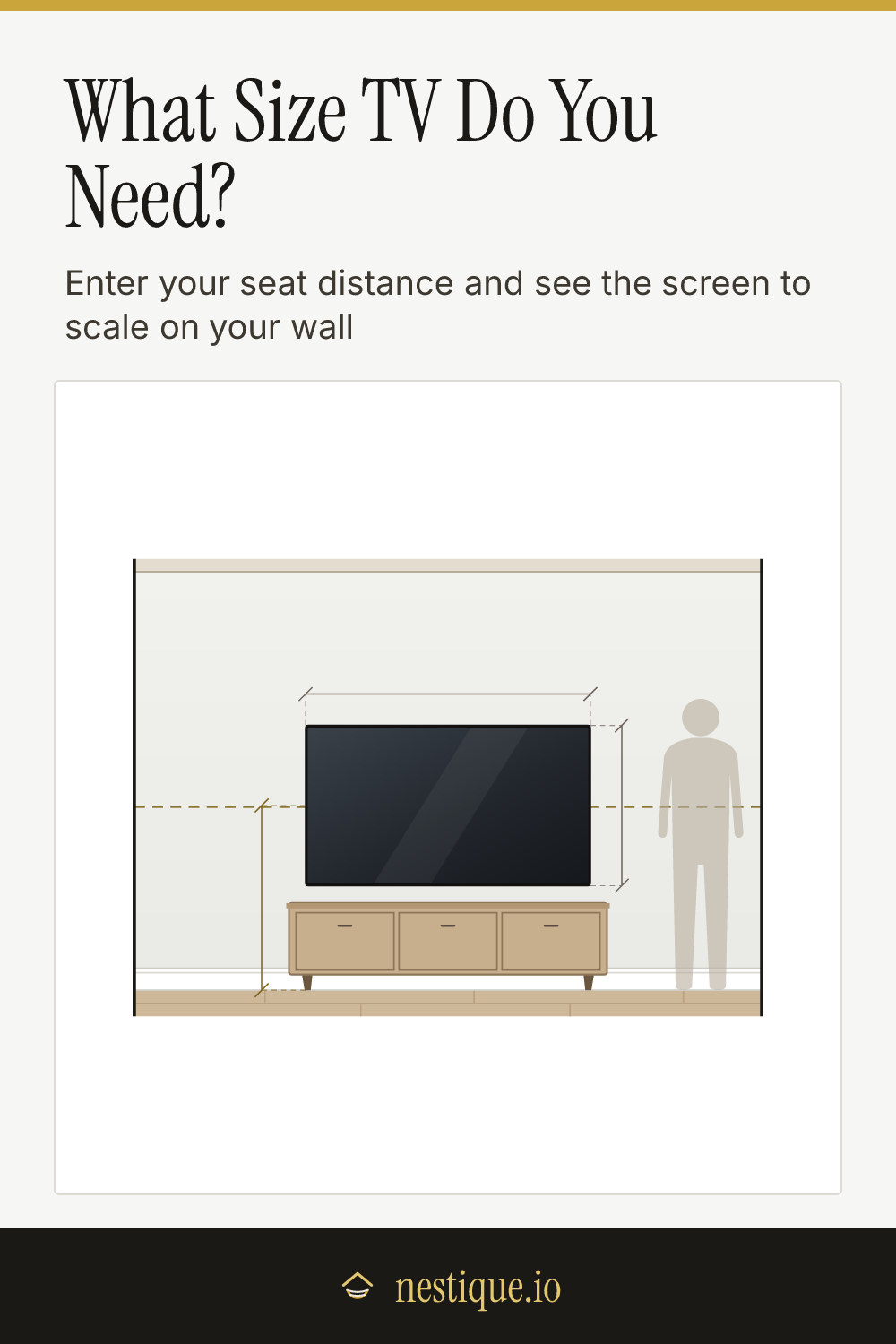
The size buttons light up green for screens that suit that distance, amber for too small and red for too big. The one marked “Best” is the size we would buy. Tap any size to see it drawn on your wall, with its width, height and the angle it fills from your seat.
If you already own the TV, or have one picked out, switch to my TV size. Tap the size and the calculator tells you how far away to put the sofa.
Then set the details that change the answer:
- What you watch most. Everyday TV, news and sports need less screen than movies. Movies pick the top of the range.
- Resolution. 1080p, 4K or 8K. This decides how close you can sit before you can see pixels.
- Where the TV goes. On the wall above a low console, on a stand, or over a fireplace. The drawing and the mounting check follow your choice.
- Seated eye height, ceiling and mantel height if yours differ from the defaults.
Save the drawing as an image to take to the store.
The rules behind the sizes
TV size is really about one number: how much of your view the screen fills, measured as an angle from your seat. Distance and screen size both feed into it, which is why the same TV can look huge in one room and small in another.
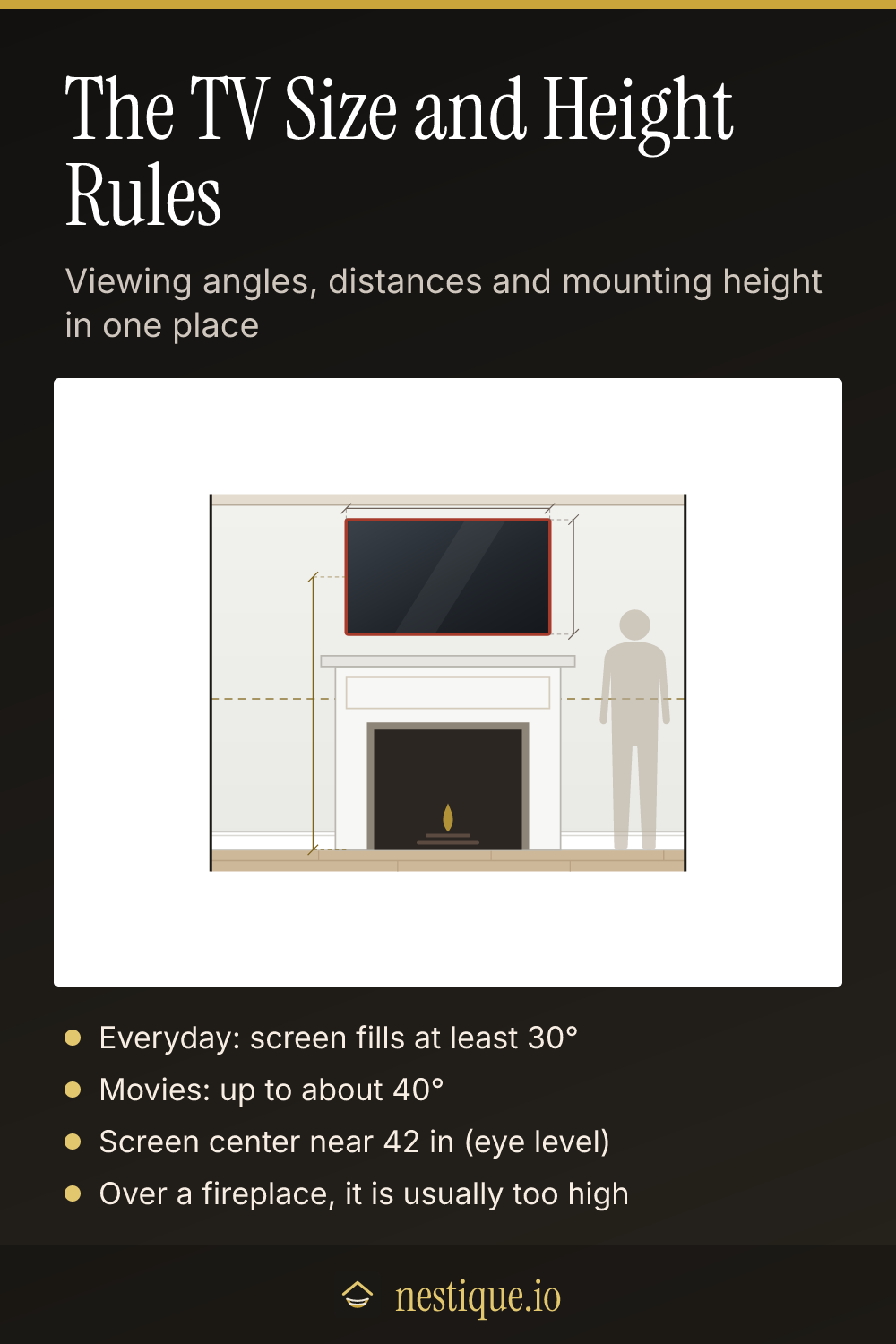
Everyday viewing: at least 30 degrees. The figure usually cited for this is SMPTE’s engineering guideline EG 18. Below about 30 degrees the picture starts to feel like a window across the room rather than something you are watching.
Cinema: up to about 40 degrees. THX guidance is commonly quoted at 36 degrees for most seats and 40 degrees for the most immersive one. Past 40 degrees your eyes have to move to follow the action from one side to the other.
The math. A 16:9 screen is 0.87 times its diagonal wide and 0.49 times its diagonal tall. A 30 degree view puts you about 1.63 times the diagonal away. A 40 degree view puts you about 1.2 times the diagonal away. The calculator does this for every standard size.
Pixels. With normal 20/20 vision you can make out detail down to about one minute of arc. On a 1080p screen that means you see pixels closer than about 1.56 times the diagonal. 4K halves that to about 0.78 times, and 8K halves it again. So 4K is what makes a big screen at a normal distance look sharp.
Mounting height. Put the center of the screen near your seated eye level, which is about 42 inches on a typical sofa. Commonly published comfort guidance keeps your eyes within about 10 degrees of the screen center, and treats anything past 15 degrees as a strain. Over a fireplace you almost always land past that line.
Assumptions
All TVs are treated as 16:9, which covers every current TV. Sizes are the diagonal of the screen. The real screen is often a fraction of an inch smaller than the advertised size, and the bezel adds a little to the outside.
The wall mount sits above a low media console about 20 inches tall, so very large screens go a little higher to clear it. On a stand, the screen sits about 3 inches above a 24 inch console. Over a fireplace, the bottom of the TV sits 6 inches above the mantel. Always follow the heat clearances from your fireplace and TV makers.
Viewing angles are horizontal and measured from the middle seat. The ranges are guidance, not hard limits, and eyesight varies.
Worked example
Say the sofa is 9 feet from the TV wall and you are buying a 4K TV.
- The ideal range is about 66 to 90 inches. At 9 feet, a 66 inch screen fills 30 degrees and a 90 inch screen fills 40.
- A 65 inch TV is just short. It fills about 29 degrees, so the calculator marks it too small, if only by a little.
- A 75 inch TV is the everyday pick. It fills about 34 degrees. The screen is about 65 inches wide and 37 inches tall.
- An 85 inch TV is the movie-room pick, the largest standard size that stays inside 40 degrees.
On a 1080p set, that 75 inch screen would show pixels closer than about 9 feet 9 inches, which is behind your sofa. In 4K it stays sharp down to about 4 feet 11 inches.
Mounted on the wall over the console, the 75 inch screen centers at about 42 inches, right at eye level. Put the same TV over a 54 inch mantel and the center climbs to about 78 inches. From 9 feet that is a 19 degree tilt up, past the comfort limit. If the fireplace wall is the only option, a smaller screen or a pull-down mount helps.
Pin it for later
TV Size Calculator FAQ
What size TV should I get for my room?
Measure from your eyes on the sofa to where the screen will be, then aim for a screen that fills 30 to 40 degrees of your view. At 9 feet that is roughly 66 to 90 inches, so a 75 inch TV is a safe pick and 85 inches suits a movie room. Most people who regret a TV size wish they had gone bigger.
How far should I sit from a 65 inch TV?
About 6 feet 6 inches to 8 feet 10 inches for a 4K set. The near end fills 40 degrees of your view, which is close to a cinema seat. The far end fills 30 degrees, the usual minimum for everyday TV. With a 1080p set, sit at least 8 feet 6 inches away or you may see pixels.
How high should a TV be mounted?
Put the center of the screen close to your eye level when seated, which is about 42 inches from the floor on most sofas. Big screens often end up a little higher so they clear the console. Try to keep the center within 10 degrees of your eye line.
Is it OK to mount a TV above a fireplace?
It works, but it is usually too high. Over a 54 inch mantel, the center of a 65 inch TV ends up around 76 inches from the floor, and from 9 feet away you tilt your eyes up about 17 degrees. A pull-down mount, a lower mantel or sitting farther back all help. Check the heat clearances for your fireplace and TV too.
Does 4K let you sit closer to the TV?
Yes. A 4K screen has twice as many pixels across as 1080p, so you can sit about half as far away before you can pick out single pixels. That is why bigger screens in the same room became practical once 4K took over.